


HOC Shorts
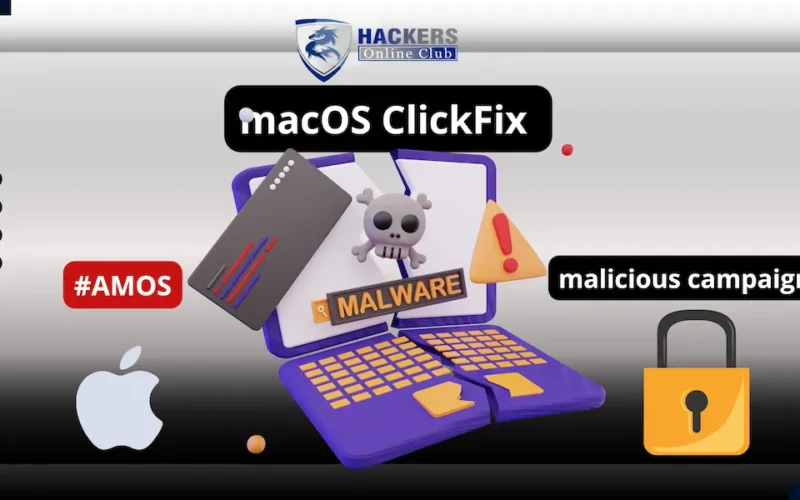
Microsoft Uncovers Advanced macOS “ClickFix” Campaign
- The Scale: Spans over 250 front-end domains.
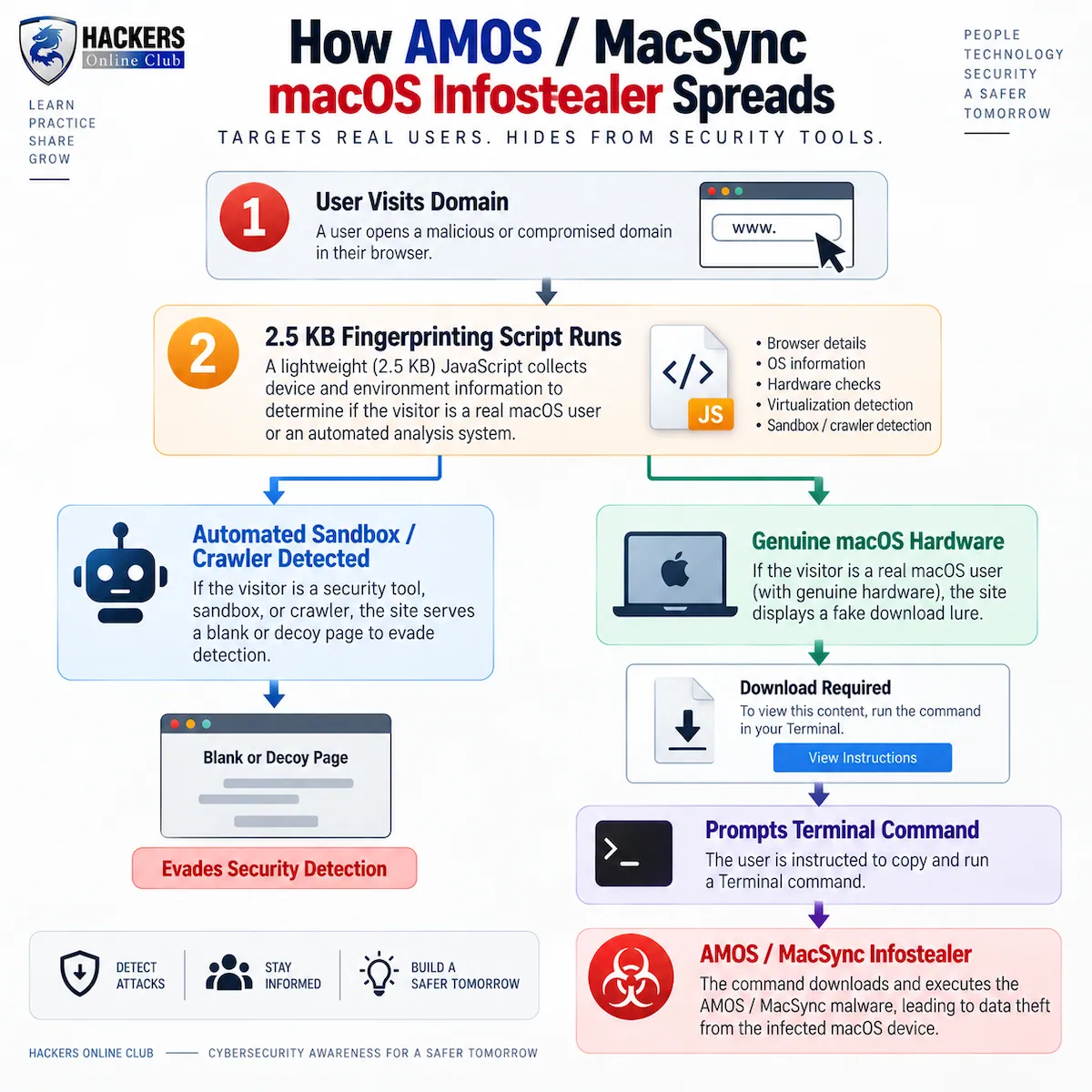
- The Trick: Instead of raw HTML, attackers use a lightweight (2.5 KB) JavaScript fingerprinting gate. It profiles visitors in real-time by checking browser data, screen dimensions, and WebGL GPU signals.
- The Threat: This gate hides the malware from security crawlers and sandboxes. Mac users are served fake download lures, while automated tools see benign decoys. Victims are then tricked into running terminal commands that deploy infostealers like Atomic Stealer (AMOS) and MacSync.
Microsoft Threat Intelligence published an analysis, how a widespread macOS ClickFix campaign evolved from serving exposed malware lures to concealing its infrastructure behind sophisticated server-side browser fingerprinting gates.
Key Findings & Evolution
- Massive Infrastructure: Microsoft confirmed more than 250 front-end domains linked to this single cluster, many following algorithmic naming patterns combining the word `”file”` with dictionary terms (e.g., `filecopperbasket[.]sbs`, `fileoceanhammer[.]com`).
Shift to Cloaked Gates: - Phase 1 (Open Lures): Initially, domains hosted malicious commands directly in raw HTML lures, allowing automated crawlers and static security scanners to easily detect and flag the infection vectors.
- Phase 2 (Fingerprinting Gate): Domains now serve a tiny ~2.5 KB JavaScript profiling script. The server evaluates the visitor’s hardware and environment before deciding whether to serve the malware.
How the Cloaking Works:
- Qualifying Targets (Real Mac Hardware): If the gate detects genuine macOS WebGL graphics signals, real screen dimensions, and standard browser headers, it returns a counterfeit “Download for macOS” page with a fake verified publisher badge.
- Unwanted Visitors (Scanners & Sandboxes): Automated crawlers, virtual machines, emulated environments, or non-Mac devices receive benign decoy content—such as a fake “Urban VPN Proxy” extension page or a blank parked domain.
Final Payloads:
Once a qualified victim executes the forced Terminal command, the infection chain deploys macOS infostealers, primarily Atomic Stealer (AMOS) and MacSync, targeting local keychains, browser credentials, crypto wallets, and sensitive files.
Let’s understand through Infographic | Infection Workflow
Defender Guidance
- Hunt the Gate, Not Just Front-End Domains: Because front-end domains are disposable, security teams should hunt for structural indicators, such as self-submitting hidden fingerprint fields and the `mode:”php”` artifact.
- Monitor Endpoint Terminal Behavior: Flag unusual command execution, specifically `curl` requests piped into `zsh`, `osascript` calls, Base64 decoding, or rapid archive creation followed by HTTP POST traffic.
- User Education: Reiterate that no legitimate software installation or web CAPTCHA ever requires copying and pasting terminal commands into the macOS Terminal.