




HOC Shorts
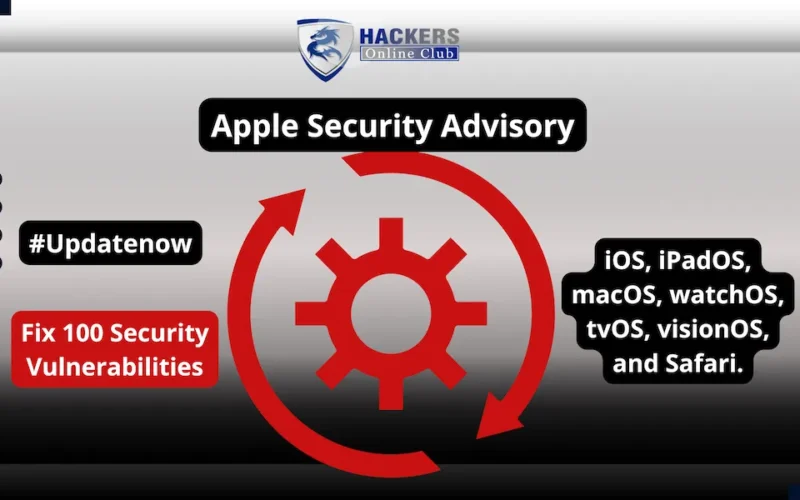
Apple security advisory has releases cataloged on its official security portal. The major updates address over 100 security gaps spanning iOS, iPadOS, macOS, watchOS, tvOS, visionOS, and Safari.
Fixes focus on resolving memory corruption vulnerabilities in WebKit, kernel privilege escalations, and network-based authentication flaws. Users and IT administrators are urged to apply these updates immediately to prevent potential remote code execution (RCE) and local sandbox escapes.
What Are the Key Points?
Apple’s latest security updates cover the full spectrum of its consumer and enterprise operating systems:
- WebKit Engine Hardening: Multiple memory corruption and logic flaws in WebKit were patched. Exploiting these flaws could allow malicious web content to execute arbitrary code or bypass browser sandbox boundaries.
- Kernel & Core OS Protection: Fixes address local privilege escalation (LPE) vulnerabilities in the XNU Kernel and ImageIO, blocking low-privilege apps from gaining root-level execution context.
- Network & Screen Sharing Fixes: Patches resolve authentication flaws in macOS networking components—including the macOS Screen Sharing Server—preventing unauthorized network actors from initiating unverified remote sessions.
- Cross-Platform Delivery: Security updates are available for current flagship OS releases as well as previous OS versions to protect legacy hardware fleets.
              [Apple Security Portal: support.apple.com/100100]
                                          │
    ┌───────────────────┬─────────────────┼──────────────────┬──────────────────┐
    ▼                   ▼                 ▼                  ▼                  ▼
 iOS & iPadOS         macOS            watchOS            visionOS            Safari
(WebKit & Kernel)  (Screen Share/LPE) (Core OS Fixes)  (AR Kit Hardening) (Engine Patches)
What Is the Impact on Enterprise & Users?
1. Remote Exploitation via Web Browsing: Unpatched WebKit vulnerabilities pose an elevated risk for targeted drive-by downloads or watering-hole attacks delivered via malicious site rendering.
2. Post-Exploitation Sandbox Escapes: Local privilege escalation vulnerabilities in the kernel allow threat actors who obtain a initial foothold on a device to elevate privileges to root and exfiltrate sensitive data.
3. Enterprise Fleet Risk: Unpatched Mac hardware running exposed remote management or screen-sharing services remains vulnerable to unauthorized network access.
What Should You Do? (Actionable Deployment Steps)
- Update Personal iOS & iPadOS Devices: Go to Settings > General > Software Update and install the latest available build immediately.
- Patch Enterprise Mac Hardware: Navigate to System Settings > General > Software Update on macOS to apply the platform patches.
- Deploy via MDM Platforms: System administrators utilizing Mobile Device Management (MDM) solutions (e.g., Jamf, Microsoft Intune) should push mandatory update profiles to managed Apple endpoints.
- Verify Legacy Devices: Check support here to ensure older devices receive available security updates for prior OS trains.
Apple Security Advisory Overview
| Platform Target | Primary Components Patched | Threat Impact | Recommended Action |
| iOS / iPadOS | WebKit, Kernel, ImageIO, CoreBluetooth | Arbitrary Code Execution, LPE | Update via Settings immediately |
| macOS | Screen Sharing Server, Kernel, System Settings | Network Access, Privilege Escalation | Apply macOS System Update |
| visionOS | WebKit, ARKit, Kernel | Memory Corruption, App Isolation | Update spatial OS software build |
| watchOS & tvOS | CoreMedia, Wi-Fi Stack, WebKit | Denial of Service, Remote Execution | Enforce automated background update |
| Safari Standalone | WebKit Core Engine | Cross-Site Scripting, RCE | Update standalone browser on macOS |