



HOC Shorts
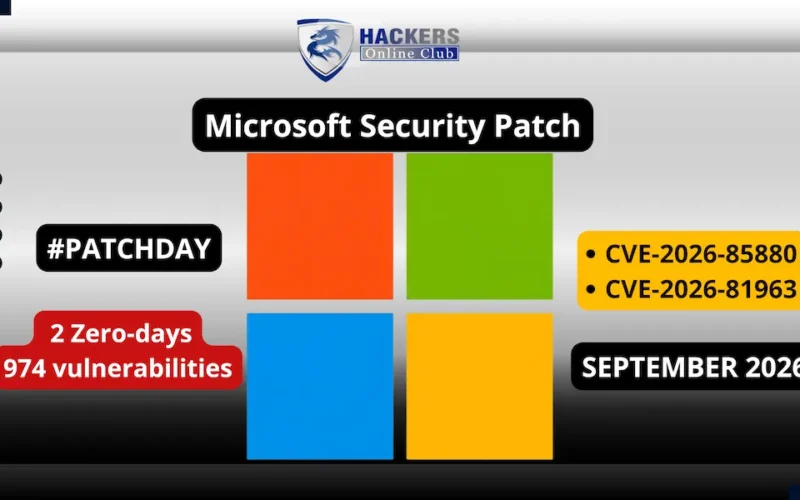
Microsoft has released its September 2026 Patch Tuesday security update, fixing a record-breaking 974 vulnerabilities and 2 Zero-days across Windows, Microsoft Office, Exchange Server, SQL Server, and core enterprise components.
Recommended action: Upgrade to v2026.2.708 (2026 Q2 SP1) or later.
This security release features emergency patches for two actively exploited zero-day privilege escalation flaws: CVE-2026-85880 in the Windows Advanced Local Procedure Call (ALPC) subsystem and CVE-2026-81963 in the Windows Update Stack. Both flaws allow authenticated local attackers to bypass sandbox protections and gain elevated `SYSTEM` access.
1. Active Zero-Days Under In-The-Wild Exploitation
Both zero-day vulnerabilities patched this month allow attackers who have gained initial low-privilege access on an endpoint to break security boundaries and achieve full administrative control.
[Low-Privilege App / AppContainer] ──► Exploits ALPC Buffer Overflow / Link Resolution │ ▼ Bypasses Windows Security Boundary │ ▼ Gains Local Escalation to NT AUTHORITY\SYSTEM
- `CVE-2026-85880` (Windows ALPC Heap Buffer Overflow): Discovered by researchers at Volexity and Proofpoint, this heap-based buffer overflow in the Windows Advanced Local Procedure Call (ALPC) subsystem allows an attacker executing code within a low-privilege AppContainer to escape the sandbox and escalate privileges to `SYSTEM` without requiring user interaction.
- `CVE-2026-81963` (Windows Update Stack Improper Link Resolution): Discovered by Romain Deperne (Airbus Helicopters) and the Microsoft Threat Intelligence Center (MSTIC), this flaw involves improper link resolution (“link following”) during update installation. An authenticated local attacker can leverage malicious symbolic links to trick the update process into overwriting protected system binaries and granting `SYSTEM` privileges.
2. Industry Trend: AI-Driven Vulnerability Discovery
Security researchers note that September’s record volume reflects broader industry trends in AI-assisted vulnerability discovery. Security research teams and automated fuzzing systems are identifying long-standing edge-case software defects at an unprecedented scale, driving patch volume up across major software vendors.
September 2026 Patch Tuesday: Key Vulnerability Summary
| CVE Identifier | Affected Component | CVSS v3.1 | Vulnerability Class | Exploitation Status |
CVE-2026-85880 |
Windows ALPC | 7.8 | Heap Buffer Overflow / Privilege Escalation | Active Zero-Day (CISA KEV) |
CVE-2026-81963 |
Windows Update Stack | 7.8 | Improper Link Resolution / Privilege Escalation | Active Zero-Day (CISA KEV) |
CVE-2026-69730 |
Windows DNS Server | 9.8 | Use-After-Free Remote Code Execution | Unexploited |
CVE-2026-65669 |
Microsoft SQL Server | 9.6 | Injection Privilege Escalation | Unexploited |
CVE-2026-55007 |
Microsoft Exchange | 8.1 | Remote Code Execution | Unexploited |
Actionable Remediation & Defense Steps
1. Prioritize Emergency Patching
Security teams should immediately deploy the September 2026 cumulative updates to endpoints, domain controllers, and server infrastructure to mitigate `CVE-2026-85880` and `CVE-2026-81963`. CISA has added both zero-days to its Known Exploited Vulnerabilities (KEV) catalog.
2. Audit Network Services & External Attack Surfaces
After addressing local privilege escalation zero-days, prioritize critical remote code execution (RCE) vulnerabilities in exposed infrastructure, including Windows DNS Server (`CVE-2026-69730`) and Exchange Server (`CVE-2026-55007`).
How to Patch?
Option 1: Standard Windows Update (Easiest)
- Press Win + I to open Settings.
- Go to Windows Update (or Update & Security on older builds).
- Click Check for updates.
- Allow Windows to download the September 2026 Cumulative Update.
- Click Restart now once prompted to finalize the patch.
Option 2: Enterprise / Automated Rollout (PowerShell)
For IT administrators deploying updates remotely or silently:
PowerShell

# Open PowerShell as Administrator and run:
Install-Module PSWindowsUpdate -Force

Get-WindowsUpdate -MicrosoftUpdate -AcceptAll -Install -AutoReboot
Verification Step
After rebooting, confirm the security patch is applied:
- Press Win + R, type winver, and hit Enter.
- Verify that your OS Build matches the updated September 2026 build string.