


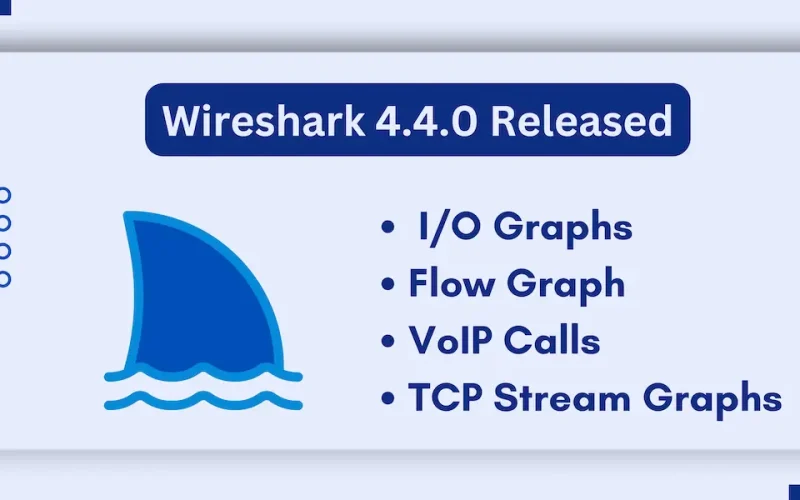
The world’s foremost network protocol analyzer, has just released its latest version: Wireshark 4.4.0. Are you a network enthusiast, security professional, or simply curious about what’s happening beneath the surface of your internet connection?
This isn’t just another incremental update; it’s a significant leap forward, packed with improvements and new features designed to make your network analysis experience smoother and more insightful. Let’s explore what makes Wireshark 4.4.0 a must-have tool for your network toolkit.
Why Should You Care About Wireshark 4.4.0?
In today’s understanding network traffic is grandly. Whether you’re troubleshooting connectivity issues, analyzing security threats, or simply learning about network protocols, Wireshark provides unparalleled visibility. With version 4.4.0, the developers have focused on enhancing performance, adding new protocol support, and improving the user experience.
New Improvements
- Many improvements and fixes to the graphing dialogs, including I/O Graphs, Flow Graph / VoIP Calls, and TCP Stream Graphs.
- Wireshark now supports automatic profile switching. You can associate a display filter with a configuration profile, and when you open a capture file that matches the filter, Wireshark will automatically switch to that profile.
- Improved display filter support for value strings (optional string representations for numeric fields).
- Custom columns can be defined using any valid field expression, such as display filter functions, packet slices, arithmetic calculations, logical tests, raw byte addressing, and protocol layer modifiers.
- Custom output fields for tshark -e can also be defined using any valid field expression.
- Wireshark can be built with the zlib-ng instead of zlib for compressed file support. Zlib-ng is substantially faster than zlib. The official Windows and macOS packages include this feature.
What’s New in Wireshark 4.4.0?
Based on the official release notes, Wireshark 4.4.0 brings a plethora of enhancements. Here’s a breakdown of the key highlights:
- Expanded Protocol Support:
Wireshark continues to be a leader in protocol support. Version 4.4.0 brings updates and additions to numerous protocols, ensuring you can dissect even the most complex network traffic. This means better visibility into modern applications and services.
- Performance Improvements:
Efficiency is paramount when dealing with large packet captures. The developers have optimized various aspects of Wireshark, resulting in faster loading times and smoother analysis. This is especially beneficial for those working with high-volume network traffic.
- Enhanced User Interface:
Wireshark’s user interface is constantly evolving to provide a more intuitive and user-friendly experience. Version 4.4.0 includes various UI improvements, making it easier to navigate and analyze captured data.
- Security Updates:
As always, security is a top priority. Wireshark 4.4.0 includes important security fixes, ensuring a safer and more reliable analysis environment.
- Bug Fixes:
Numerous bug fixes have been implemented, addressing issues reported by the community. This results in a more stable and reliable Wireshark experience.
How to Get Wireshark 4.4.0?
Ready to experience the power of Wireshark 4.4.0? You can download the latest version from the official Wireshark website:
Why Wireshark is Important for Network Analysis?
- Network Troubleshooting: Wireshark allows you to pinpoint network issues, such as slow connections, packet loss, and protocol errors.
- Security Analysis: Identify suspicious network activity, detect malware, and analyze security vulnerabilities.
- Protocol Development: Gain a deep understanding of network protocols and develop your own network applications.
- Network Education: Learn about network protocols and how they work in practice.
Engaging with the Community:
Wireshark is an open-source project, and its success relies on the contributions of a vibrant community. If you encounter any issues, have suggestions for improvements, or want to contribute to the project, you can get involved through the Wireshark website and community forums.
For the full release notes and detailed information, please visit: