




Introduction:
Exchange database (EDB) corruption can occur due to issues such as dirty shutdowns, missing transaction logs, storage failures, or unsuccessful recovery attempts, often leaving mailbox data inaccessible. In such situations, administrators need a reliable way to recover mailbox data without spending hours rebuilding the Exchange environment.
Exchange database repair online service by Stellar is a cloud-based recovery service designed to repair corrupted or inaccessible EDB files and recover mailbox data without requiring Microsoft Exchange Server or Outlook to be installed.
As an Exchange Administrator, I evaluated the service using multiple EDB files to assess its recovery workflow, performance, mailbox integrity, and overall usability. In this review, I’ll share my hands-on experience with Free Online Exchange Repair Stellar service, along with my observations from testing the product in real-world recovery scenarios.
Free Online EDB File Repair: An Overview of Stellar Online Service
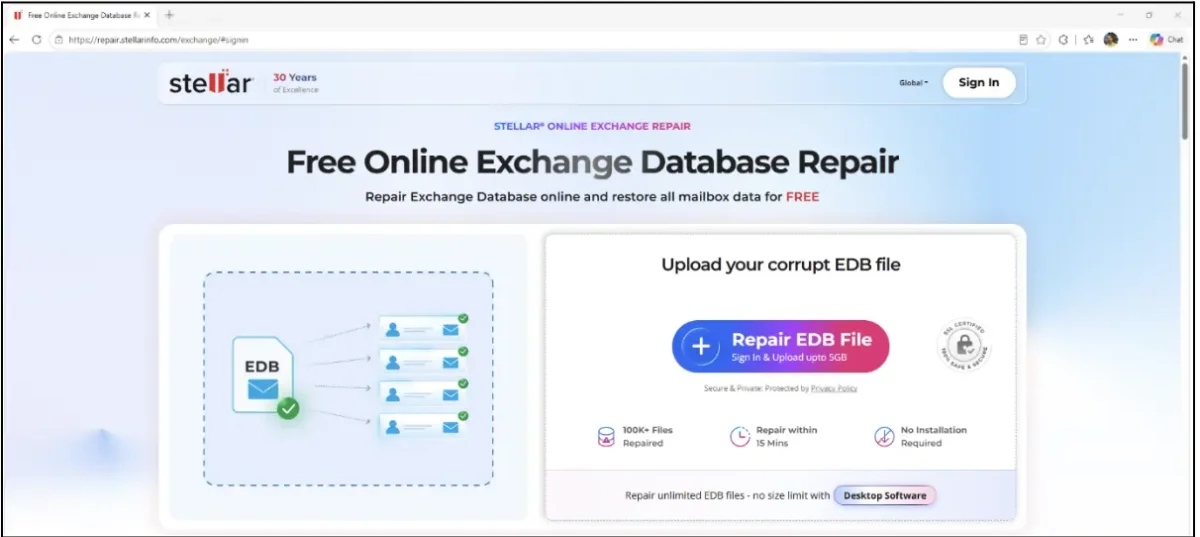
Online Exchange Repair is a free cloud-based EDB recovery solution that allows users to repair corrupted or inaccessible Exchange database (EDB) files directly through a web browser without installing any software.
It can recover mailbox data, including emails, attachments, contacts, calendars, tasks, and notes, while preserving the original mailbox hierarchy and folder structure. The recovery process is read-only, ensuring that the original EDB file remains unchanged.
The service is designed for scenarios where an Exchange database becomes inaccessible due to corruption, dirty shutdown states, missing transaction logs, Exchange server failures, or unsuccessful ESEUTIL recovery attempts. Unlike traditional recovery tools that require local processing, the entire repair operation is performed in the cloud.
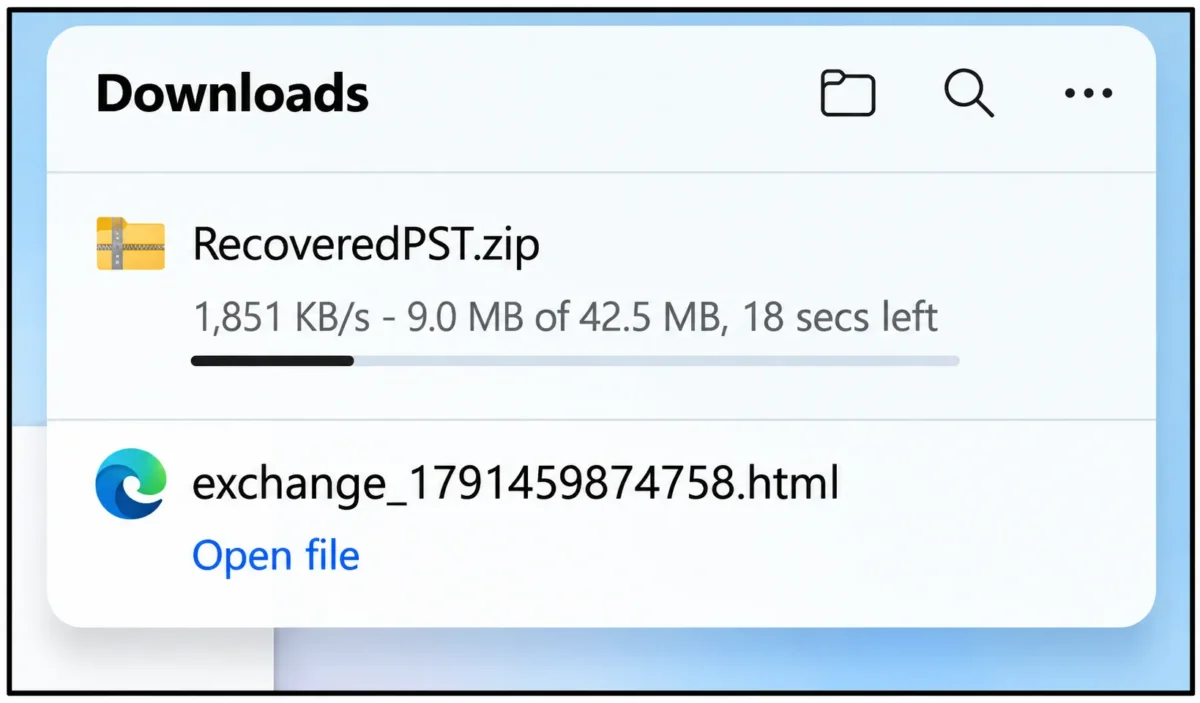
Once the repair is completed, the recovered mailboxes can be downloaded as individual PST files packaged within a ZIP archive.
Workflow:
Getting started with Online Exchange Repair is straightforward. Users can sign up using an email address or a Google account and are then redirected to the recovery portal, where they can upload the Exchange database (EDB) file for free repair.
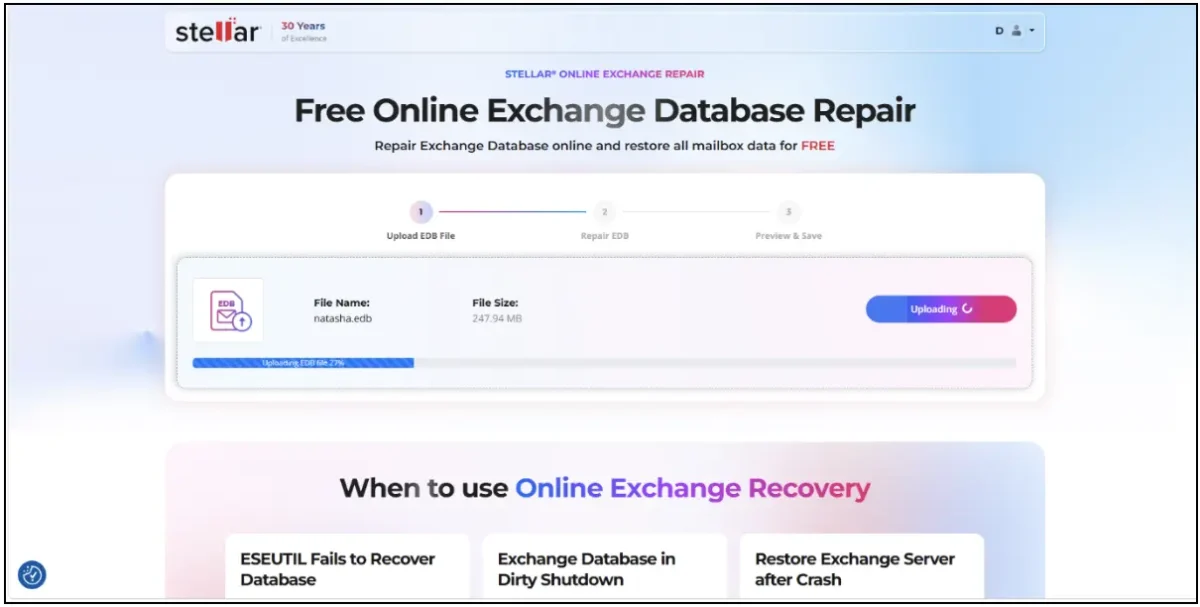
After the EDB file is uploaded, the recovery process begins by clicking the Start Repair option.
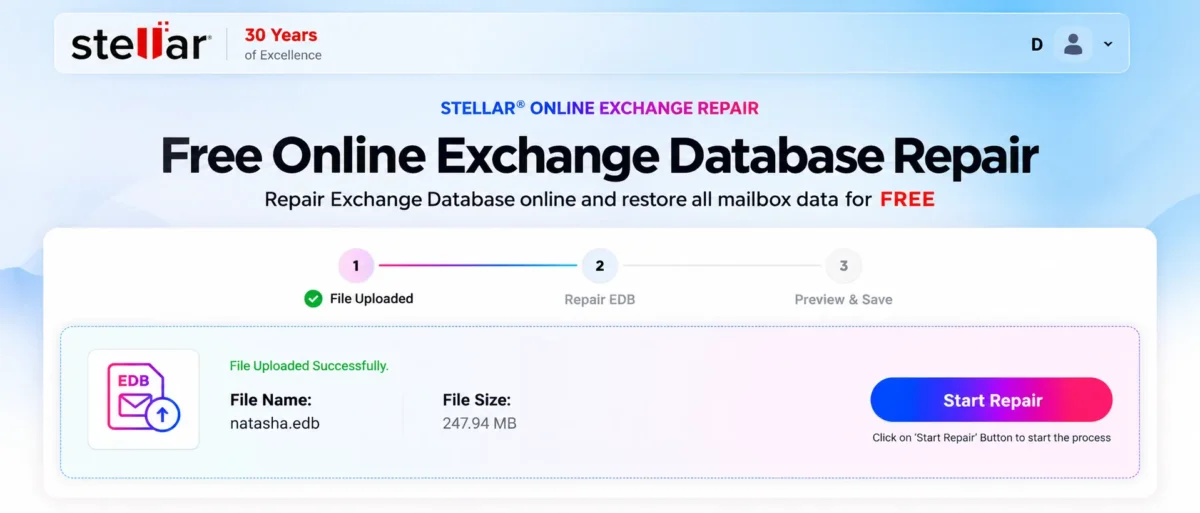
The service automatically performs the following operations:
- Analyse EDB file
- Repairs the database
- Generates HTML preview of the recovered data
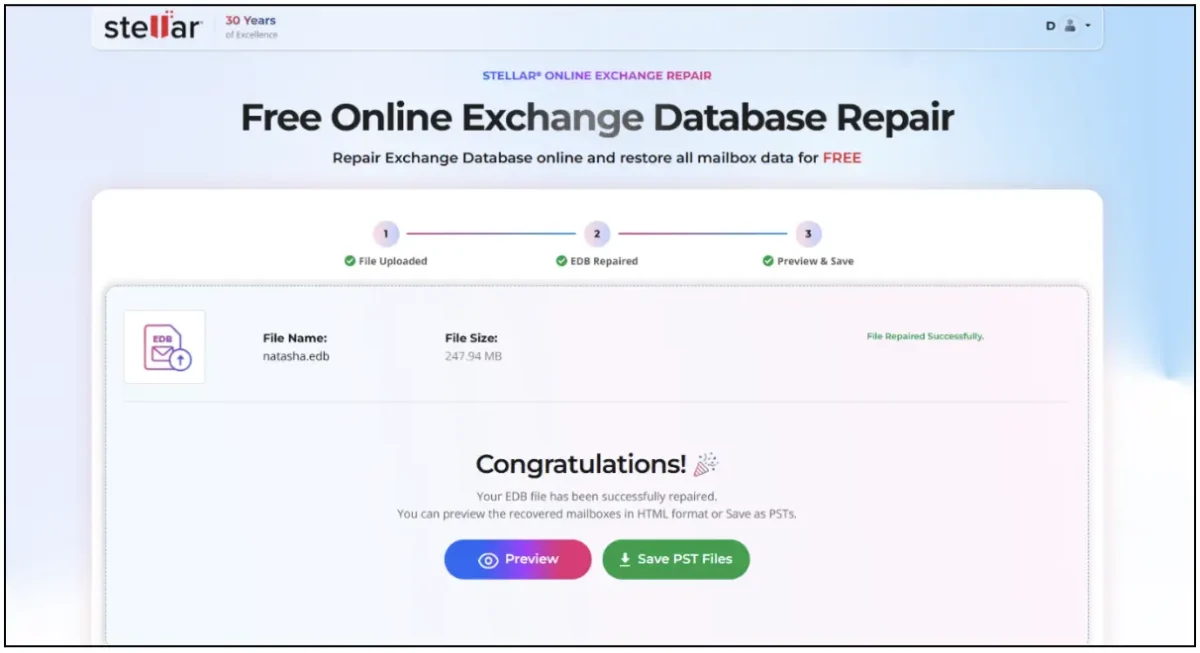
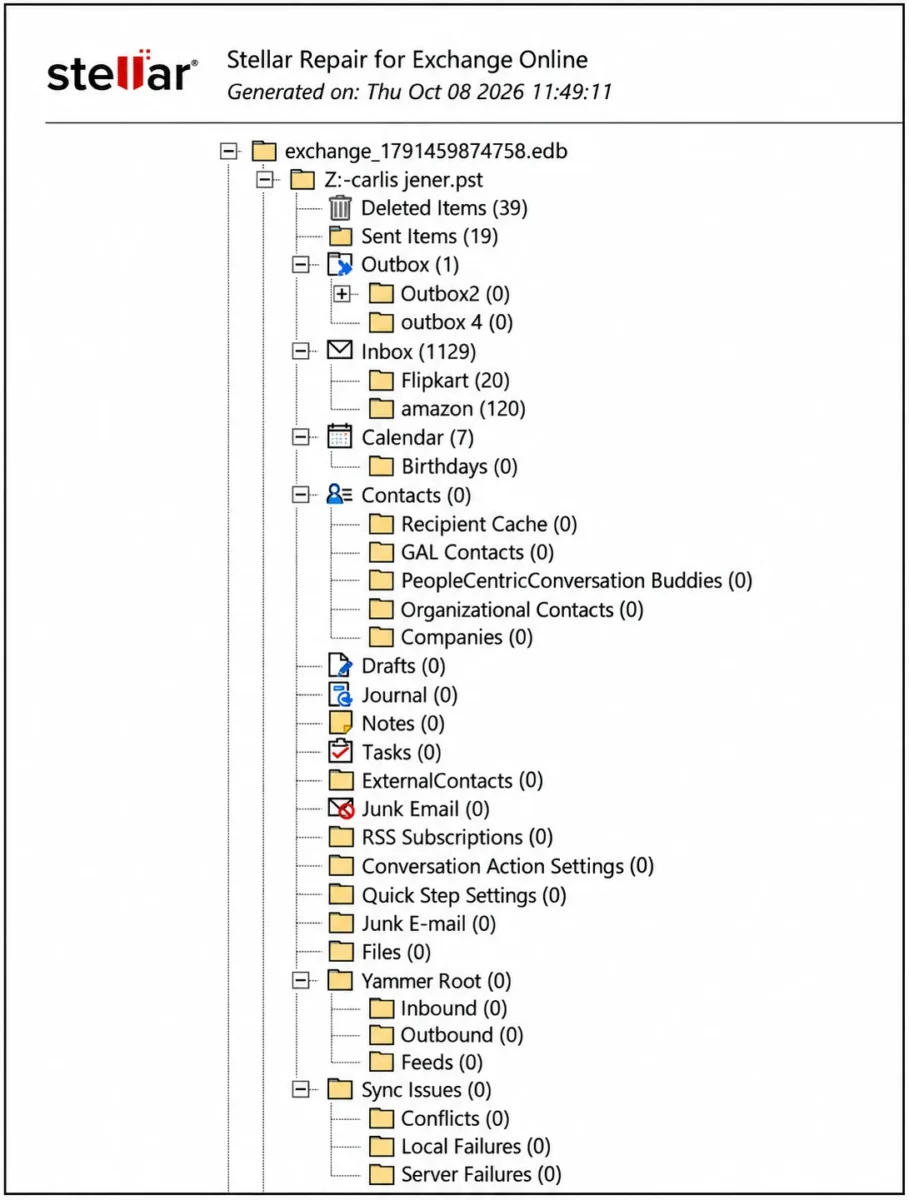
Once the repair is completed, users can download an HTML report that the mailbox folder structure and the number of items in each folder, allowing them to review the folder hierarchy and item counts before downloading the recovered data.
Selecting the Download PST Files option generates a ZIP archive containing individual PST files for each recovered mailbox.
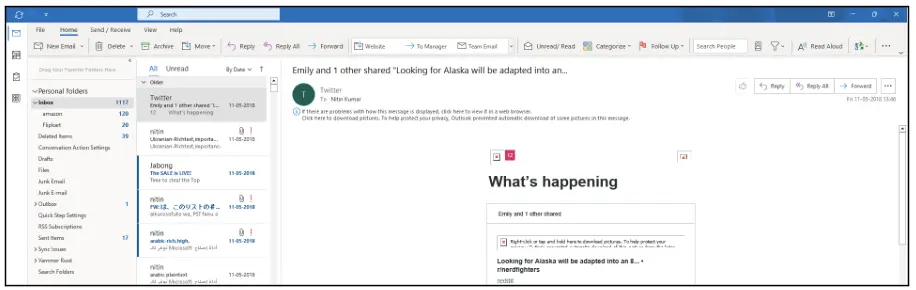
The recovered mailboxes retained their folder structure, emails could be opened successfully, and attachments remained intact after the recovery process, as validated using the Outlook desktop application.
Overall, the entire workflow is simple, user-friendly, and requires minimal user interaction. From uploading the EDB file to downloading the recovered PST files, the process remains fully automated and easy to follow.
Performance:
The upload, analysis, repair, preview generation, and export operations completed successfully during testing. The recovery workflow progressed smoothly through each stage without requiring manual intervention after the repair process was initiated.
Based on the observed results, the service consistently completed the recovery process within a few minutes while maintaining mailbox integrity and generating preview reports immediately after repair, allowing quick validation of the recovered data before export.
Since the repair process is performed entirely on Stellar’s cloud infrastructure, no noticeable increase in CPU, memory, or disk utilization was observed on the local workstation during testing. This makes the service particularly useful in situations where dedicated recovery hardware or Exchange infrastructure is not available.
Data Integrity:
After completing the repair process and downloading the PST files, I attached them to Microsoft Outlook for validation.
- PST files mounted successfully in Outlook without requiring additional processing.
- Folder hierarchy preserved.
- Emails were accessible and readable.
- Attachments remained intact after recovery.
Strengths:
- No software installation required.
- No dependency on Microsoft Exchange Server or Outlook.
- Simple and user-friendly workflow.
- Fully automated repair process.
- Preserves mailbox hierarchy and folder structure.
- Allows validation of recovered mailboxes using the HTML report before downloading or purchasing a license for larger EDB files.
- Generates separate PST files for each recovered mailbox.
Limitations:
- HTML preview only displays mailbox and folder structure. No item-level preview of emails, attachments, contacts, or calendar entries.
- No search or filtering options before export.
- No selective mailbox or folder export option.
Licensing:
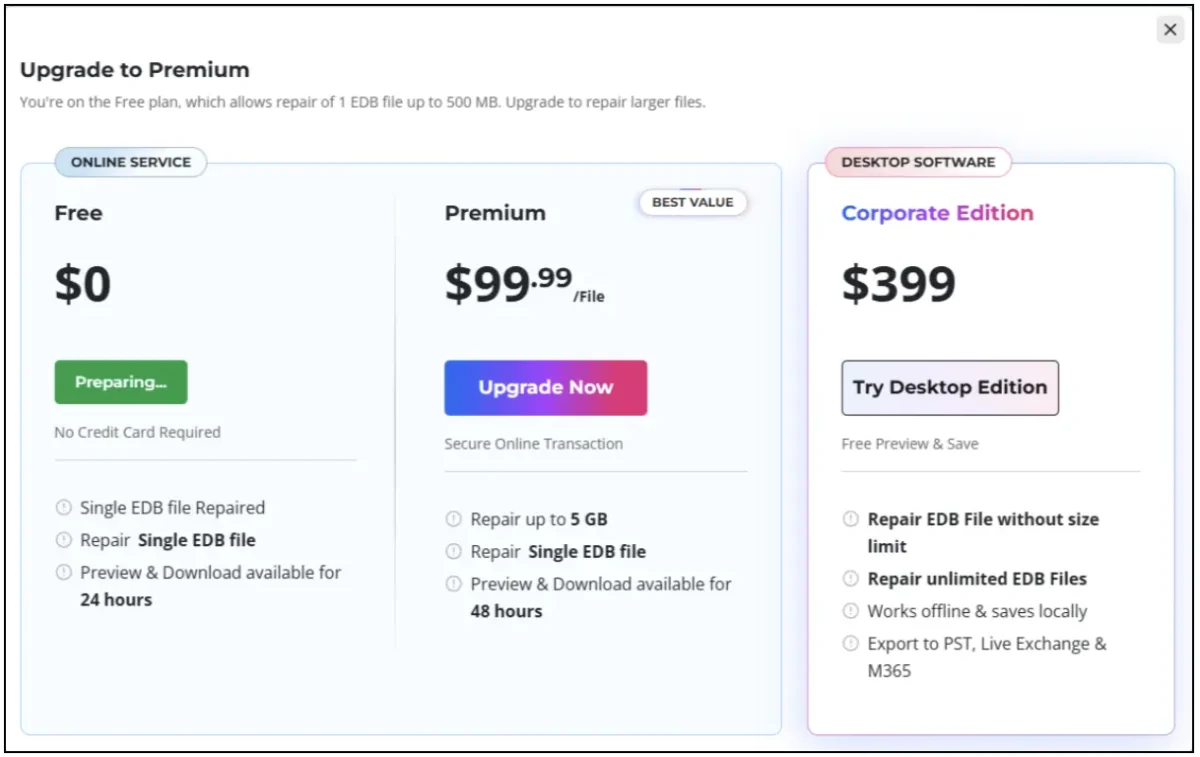
Free Plan ($0)
- Repair EDB files up to 500 MB.
- Preview and download recovered data within 24 hours.
- Best suited for occasional recovery tasks and smaller Exchange environments.
Premium Plan ($99.99 per EDB)
- Repair EDB files up to 5 GB.
- Access preview and download options for 48 hours.
- Suitable for individual recovery cases and small businesses.
Desktop Edition ($399)
- Recover EDB files without file size restrictions.
- Repair multiple EDB files as needed.
- Work offline without relying on cloud access.
- Access advanced recovery and export options, including PST, Live Exchange Server, and Microsoft 365.
In my opinion, the Free Plan is sufficient for testing and small recovery tasks, while the Premium Plan provides a convenient option for recovering larger databases without deploying additional infrastructure. Organizations that perform Exchange recovery regularly may find the Stellar Repair for Exchange Desktop Edition to be a more practical long-term solution.
Conclusion:
Online Exchange Repair Stellar service provides a straightforward and user-friendly way to repair Exchange databases online for free and recover mailbox data from corrupted or inaccessible EDB files. During testing, the service successfully repaired the EDB files, preserved mailbox hierarchy, and recovered emails and attachments without issues.
While the online version lacks some advanced recovery capabilities available in the Desktop Edition, it offers a convenient cloud-based recovery experience with minimal administrative effort. Overall, it is a practical option for Exchange administrators looking for a quick and reliable EDB recovery solution.