



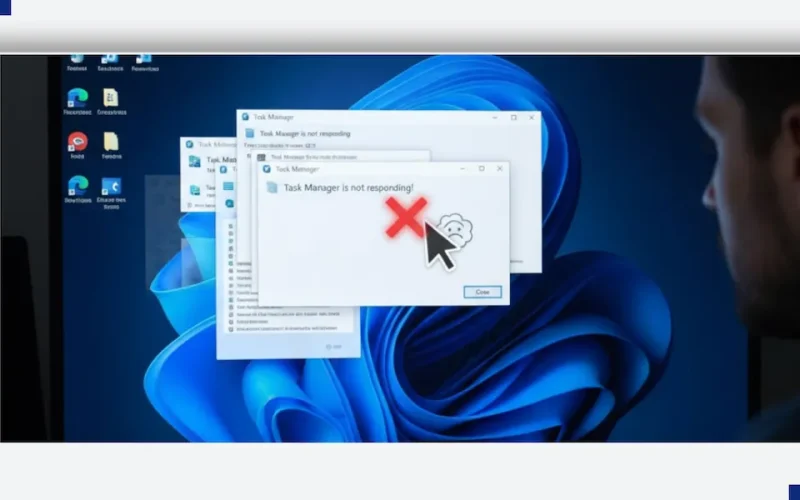
A strange but concerning bug has surfaced following a recent optional update for Windows 11, potentially slowing down your PC. Users are reporting that the familiar Task Manager app is failing to close properly, leading to performance issues.
If you recently installed the optional October preview update (KB5067036), your computer may be affected.
The Problem: Ghost Task Managers
Here’s the strange behavior users are seeing:
- You open Task Manager to check on your running programs.
- You click the standard ‘X’ close button in the corner.
- The window disappears, but the Task Manager process stays running invisibly in the background!
If you open and close Task Manager several times, each attempt leaves another “ghost” Task Manager process running. These accumulating background processes constantly monitor your system and can drain your CPU and memory, causing a noticeable drop in your PC’s speed and overall performance.
The Fix: How to End the Task Manager Loop
While Microsoft hasn’t issued a direct public statement specifically on this new bug, the community has found a simple, official method to resolve the issue for now. You need to use a different way to close the running processes.
1. The Manual “End Task” Method
Instead of hitting the ‘X’, use Task Manager itself to fully close its own running instances:
- Open Task Manager (Ctrl + Shift + Esc).
- Look under the Processes tab.
- Find every entry for “Task Manager” (you may see multiple).
- Right-click each one and select “End task” to close it completely.
2. The Command Prompt Quick Fix (Recommended)
If you have many hidden Task Manager instances, the fastest way to clear them all at once is to use the Command Prompt:
Search for “Command Prompt” in the Windows Search bar.
Right-click it and choose “Run as administrator”.
In the Command Prompt window,
- type the following command exactly as shown and press Enter:
-
taskkill /im taskmgr.exe /f
This command will immediately and forcibly close all running instances of Task Manager, freeing up your system resources.
Microsoft Source and What’s Next
This issue appears to be linked to new changes and fixes Microsoft introduced to Task Manager in the optional update.
Microsoft’s Support Information:
While Microsoft hasn’t officially acknowledged the “Task Manager won’t close” bug on their health dashboard yet, the general solution of ending the task (or processes) via Task Manager or the command line is a standard troubleshooting step endorsed in Microsoft Support documentation for closing unresponsive applications.
The affected update (KB5067036) is optional, which means it wasn’t automatically pushed to all users. Experts recommend that users who haven’t installed it yet should wait until Microsoft releases the fully tested public version, where this bug is expected to be fixed.
For now, remember to use the “End task” or Command Prompt methods to close Task Manager until a permanent fix is released!